
 01 · SIGN IN
Scan, approve, done
On the web, choose Get the mobile app and scan the code with your phone, then approve the sign-in on your computer. The code works once and expires after two minutes.
■ Berry for iPhone and Android
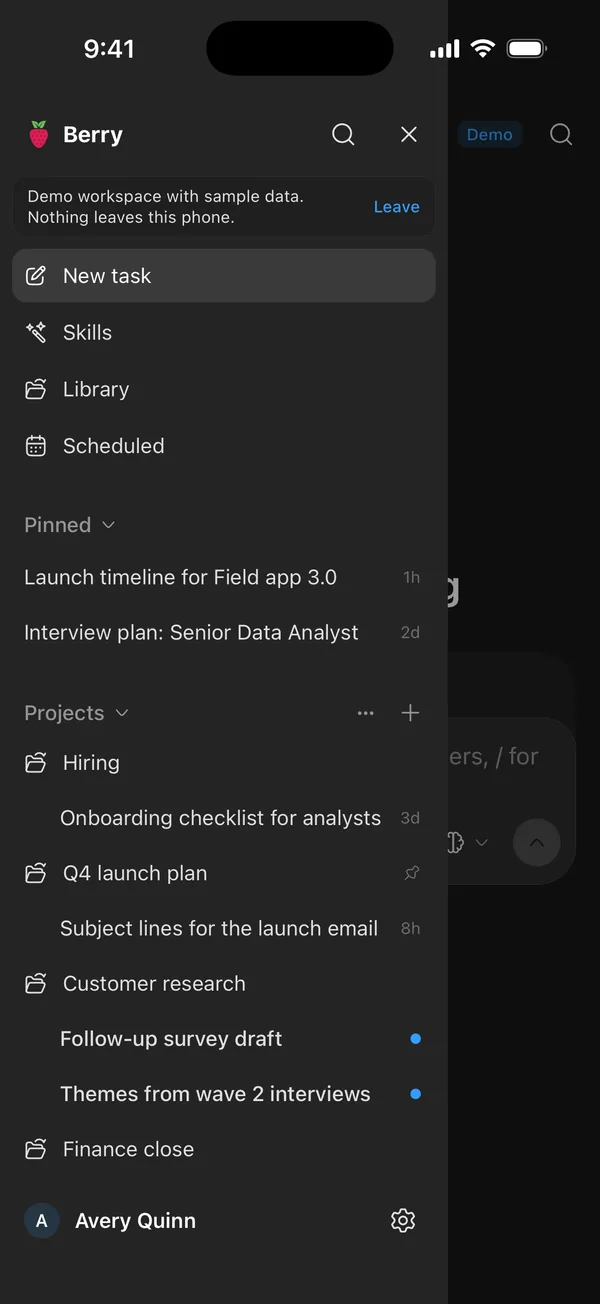
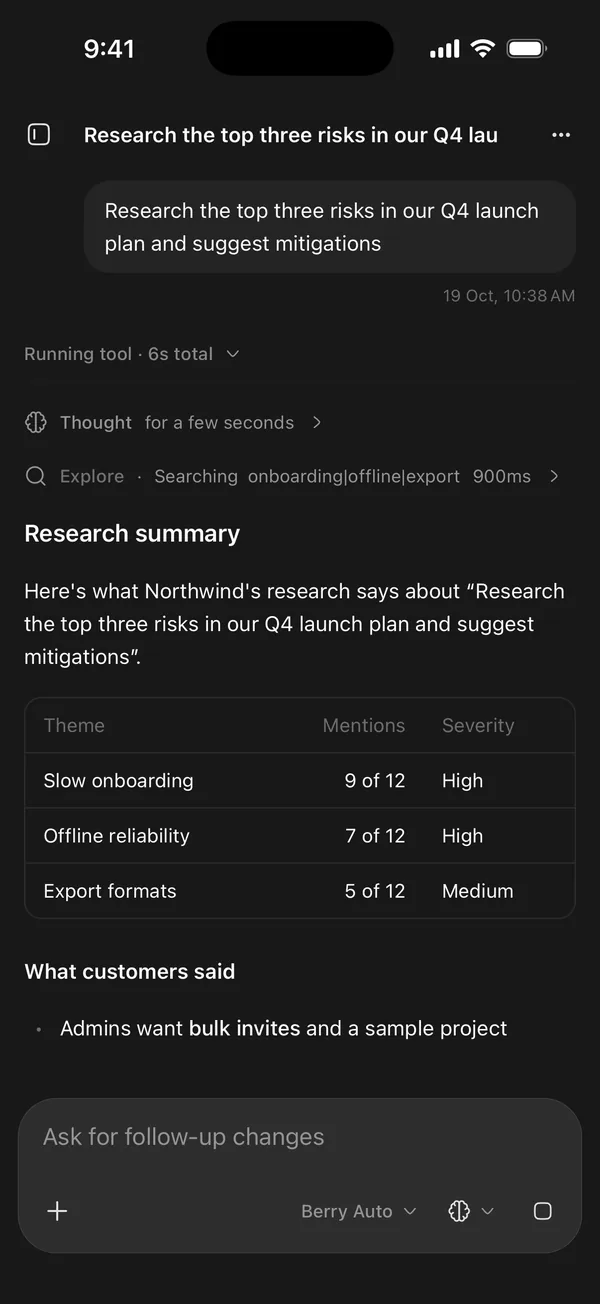
Start a task on the train, watch the agent work, answer its questions and pick up any conversation from the web. The app connects only to your organization's own Berry.
 Coming soon
 Coming soon
Free. Requires an organization that runs Berry. No push notifications, no trackers.
 01 · SIGN IN
On the web, choose Get the mobile app and scan the code with your phone, then approve the sign-in on your computer. The code works once and expires after two minutes.
 02 · PRIVATE
Your prompts and files go to your organization's Berry server and the AI providers it uses. The app has no analytics and sends nothing to us.
 03 · IN CONTROL
See every signed-in phone under Settings, on the phone or the web, and sign one out instantly. Administrators can do the same for any member.
■ Questions